Features
Explore by type
Interactions

Short Answers
Collect short, open-ended text responses

Long Answers
Gather detailed responses with title and text fields

Multiple Entry
Collect multiple written answers in one prompt

Categorized Answers
Collect answers organized by categories

Multiple Choice Question
Let participants pick one or multiple options

This or That
Present two options for a quick choice

Valuation
Rate statements on a numeric scale

Image Entry
Collect responses paired with an uploaded image

Drawing
Let participants sketch or draw their answer

Iconic Answer
Let participants respond with expressive icons

Links
Collect URLs and resources from your audience

Pin on Image
Let participants drop a pin on a precise spot of an image
Visualizations

Word Cloud
Turn answers into a dynamic word cloud

Sentence Cloud
Display full-sentence answers as a collective cloud
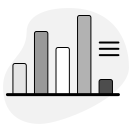
Bar Chart
Show results as a bar or column chart

Pie Chart
Show proportions as a pie or donut chart

Gauge
Display averages on a color-coded circular scale

Radar
Compare multiple dimensions on a radial chart
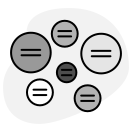
Nodes
Map categorized answers as connected, interactive nodes

Wheel
Display categorized answers in a sunburst chart

Flipcards
Flip through answers one by one on interactive cards

Cards
Display answers as clean, scannable cards

Card Deck
Create interactive card games from audience responses

Blocks
Group answers into visual blocks

Pictogram
Transform answers into pictogram infographics

Comic
Arrange answers into a comic strip layout
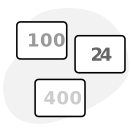
Quick Stats
Highlight key totals and results at a glance
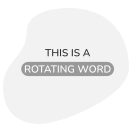
Rotating Words
Animate collected answers as rotating text
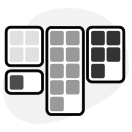
Board
Organize ideas on a collaborative visual board

Pills
Show answers as compact, colorful labels

Multi Entry Cards
Display multi-field answers as structured cards

Book
Display responses in a page-turning book format

Split
Compare two sets of data side by side

Tour
Browse pins one by one with their description on the side
Static Content

Cover
Set the stage with a visual cover slide

Statement
Present a statement for participants to react to

Quote
Capture memorable phrases and reflections

Image
Add images with optional captions

Multimedia
Embed external content like videos or websites

List
Present information in numbered or bulleted lists

Buttons
Add buttons that link to external resources