Learn
How Questiory works
A quick overview of the building blocks in Questiory and how they fit together, from creating an experience to seeing results in real time.
Questiory is a tool for building interactive experiences. People respond to prompts and see their collective input take shape in real time. A team check-in, a workshop activity, a training assessment, a live poll during a presentation. That kind of thing.
Here’s how the pieces fit together.
The three building blocks
Every experience in Questiory is made up of some combination of three element types:

Interactions
The prompts your participants respond to. Word clouds, polls, ratings, open-ended questions, and more.
Visualizations
How responses appear on screen, live, as they come in. Charts, word clouds, card stacks, and more.

Static content
Text, images, or context slides that guide participants without collecting any data.
Every visualization is connected to an interaction. To add a visualization, you either create a new interaction or pick an existing one. That’s how responses know where to go.
What this doesn’t mean is that they have to sit next to each other. Questiory gives you full flexibility to arrange your presentation however works best for your session: hide the interaction slide and only show the visualization, place all interactions at the start and all visualizations at the end, or even run them in separate presentations entirely. The connection is in the data, not the layout.
How a session flows
The basic flow is the same whether you’re running a five-minute live activity or a multi-day async exercise:
- You build the experience in the Questiory editor. Add the elements you need, arrange them, and preview the result.
- You share it with your group via a link, a QR code, or an embed. Participants don’t need an account.
- Participants respond on their own devices. Each response is submitted individually and stored automatically.
- You see results live. Open the presentation view and the visualizations update in real time as responses come in. You can also review everything from the results view after the session.
That’s the whole loop.
What can you create with Questiory?

Would You Rather: Team Edition
Live split results that spark team conversations in 3 minutes.

Creative art workshop
Hands-on drawing and pattern activities with collaborative visualizations.

Interactive learning module
Transform passive materials into engaging educational experiences.
Custom card deck
Design your own deck of cards for facilitation, learning, and storytelling.

Professional development plan
Define goals, assess strengths, and build actionable growth roadmaps.

Remote employee onboarding
Balance essential information with genuine human connection.

360 Emotional Competencies Radar
Self-perception vs. peer perception across emotional competencies.
Getting started with Questiory
Some helpful resources to get you started.
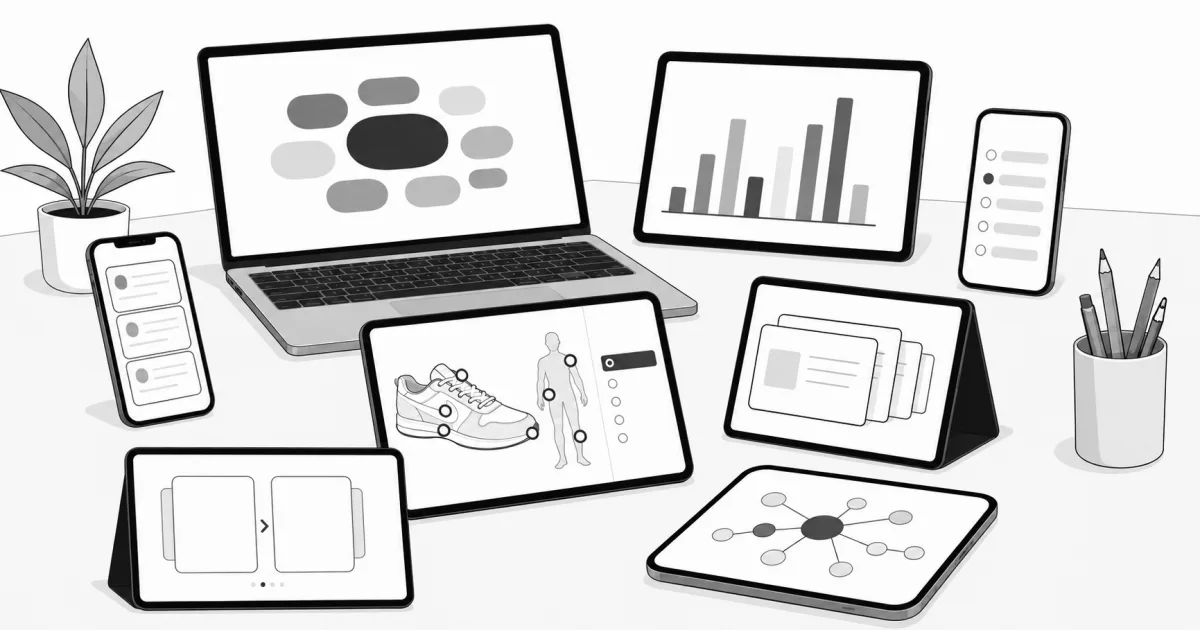
How to create your first experience
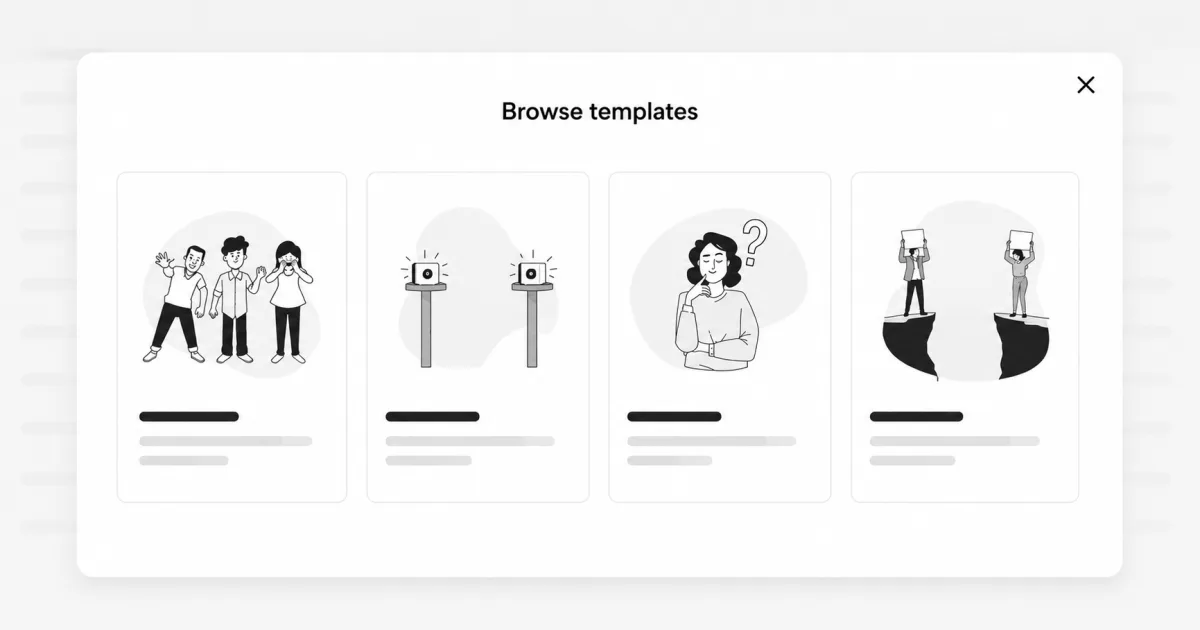
How to use a template
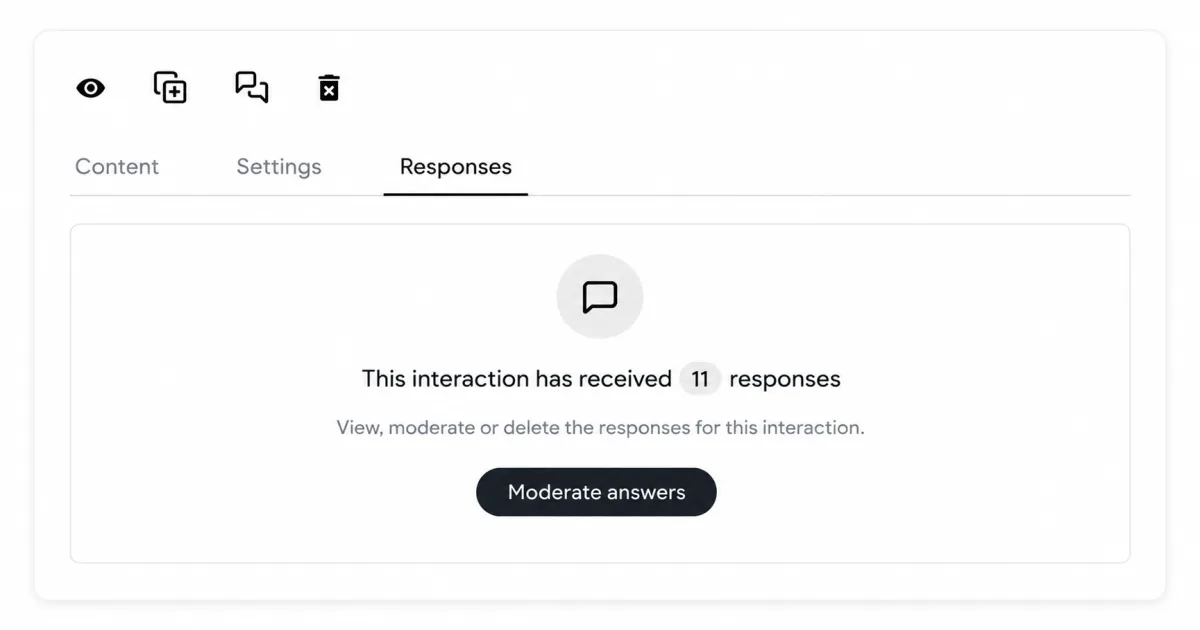
How to view the responses of an experience
Common questions about how Questiory works
Do participants need to create an account to join a Questiory session?
No. Participants just need the link, the QR code, or access to the embedded experience. No account, no login, nothing to install.
Can participants join a Questiory session from their phone?
Yes. The participant experience is designed to work on any device with a browser, including phones and tablets.
What happens if someone joins the session after it has already started?
They can still respond. Responses are collected continuously and there's no cut-off for joining.
How many participants can join a Questiory session at the same time?
Questiory works for groups of any size, from a handful of people to hundreds.
How do I see my participants' responses in Questiory?
Open the results view from your dashboard at any time, or open the presentation view during a live session to see visualizations update in real time.
Why can't I see my audience's responses in Questiory?
Two likely reasons: you may have "moderate first" enabled in the presentation settings, which holds responses for review before they appear on screen. Or your experience has interactions but no visualizations yet. Visualizations are what display the collected responses. Check both.
Can I review and approve responses before they appear on screen?
Yes. In the presentation settings, you'll find a "moderate first" option. When enabled, responses are held in a queue and you approve them before they show up in the visualization.
Can I hide the results from participants until everyone has answered?
Yes, a few ways. You can keep the visualization slide hidden in the presentation and reveal it when you're ready. You can enable "moderate first" in the presentation settings so responses are held in a queue until you approve them. Or you can keep your interactions and visualizations in separate presentations entirely: when adding a visualization, choose an existing interaction and toggle "Use interactions from another presentation" to pull in responses from any other presentation.
Are responses in Questiory anonymous?
Yes, by default. Questiory doesn't link responses to participant identities, which tends to make people more honest, especially on sensitive topics.
Can I export or download the results from a Questiory session?
Yes. Yes. From the Responses tab, you can download a CSV file for each interaction with the individual responses.
Can I edit a Questiory experience after I've already shared it?
Yes. Changes take effect immediately. Existing responses are preserved and not affected by edits.
Can I reuse the same Questiory experience in multiple sessions?
Yes. You can duplicate an experience and start fresh for each session, or reset the responses on the same experience. You can also keep running the same experience across sessions and let it improve over time: go to the moderation view, keep the best responses, and gradually curate the experience to the level you want.
Can I add images or videos to a Questiory experience?
Yes, through static content slides. You can add images, text, and other media to give context between interactions.
Can I customize Questiory with my brand colors?
Yes. Questiory lets you customize the color palette to match your brand identity.
Can I embed a Questiory experience in my website or course platform?
Yes. Any experience can be embedded via iframe in any platform that supports HTML, including LMS environments and internal intranets.